InterFAX
online cloud fax service for secure delivery
Transmit documents at volume to anywhere in the world, while adhering to global data security standards with InterFAX’s online cloud fax service.
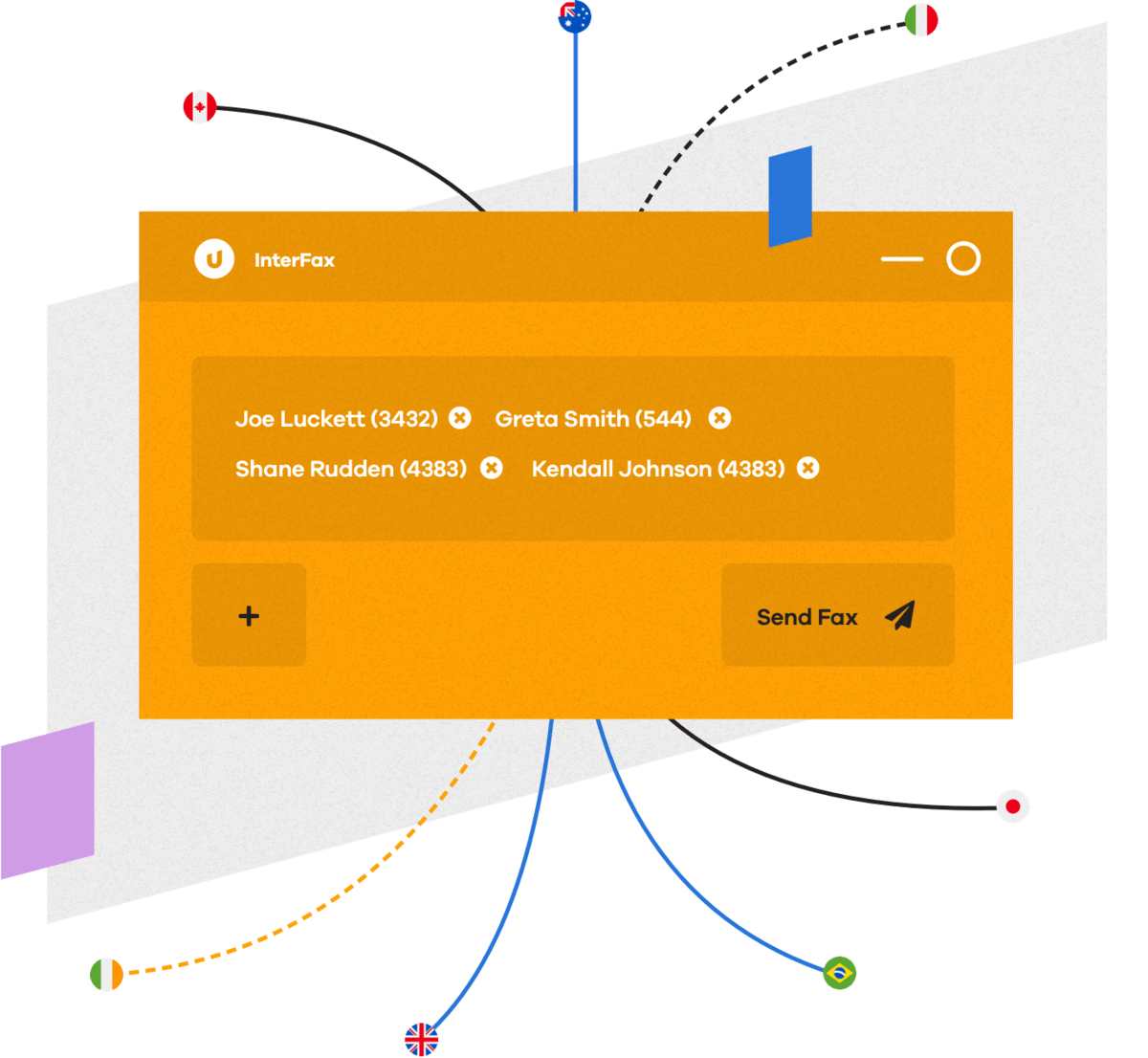
Cloud-based online fax service for secure delivery
Enterprise-ready online fax service, right out of the box
Transition from on-premise fax to fully hosted cloud fax quickly and smoothly and get immediate access to the robust capabilities your business demands.
Robust security and encryption
- TLS encryption for inbound and outbound faxes
- Authentication via private and public key signatures
- “Delete Fax After Completion” feature
Enterprise capabilities
- Unlimited allowed senders
- Bulk fax broadcasting to up to 20,000 recipients
- Automated activity reporting
- Full audit trail of sent and received faxes
Global support
- Support for international languages
- Localized support resources in multiple languages
- Compliance with global data sovereignty laws
Flexible controls
- Customizable fax headers and cover pages
- Granular user credentials and permissions
- Delivery confirmation policies
- Automatic retry attempt settings
Advanced fax features
- Mail merge features for lists and personalization
- Multiple destinations and deferred transmission
- Document resolution
- InterFAX Salesforce API
Capture features
- Automated data extraction and indexing
- OCR, conversion, and compression
- Scanning device enablement
- Customizable document workflows
Get secure, seamless, scalable cloud fax with a flexible API.
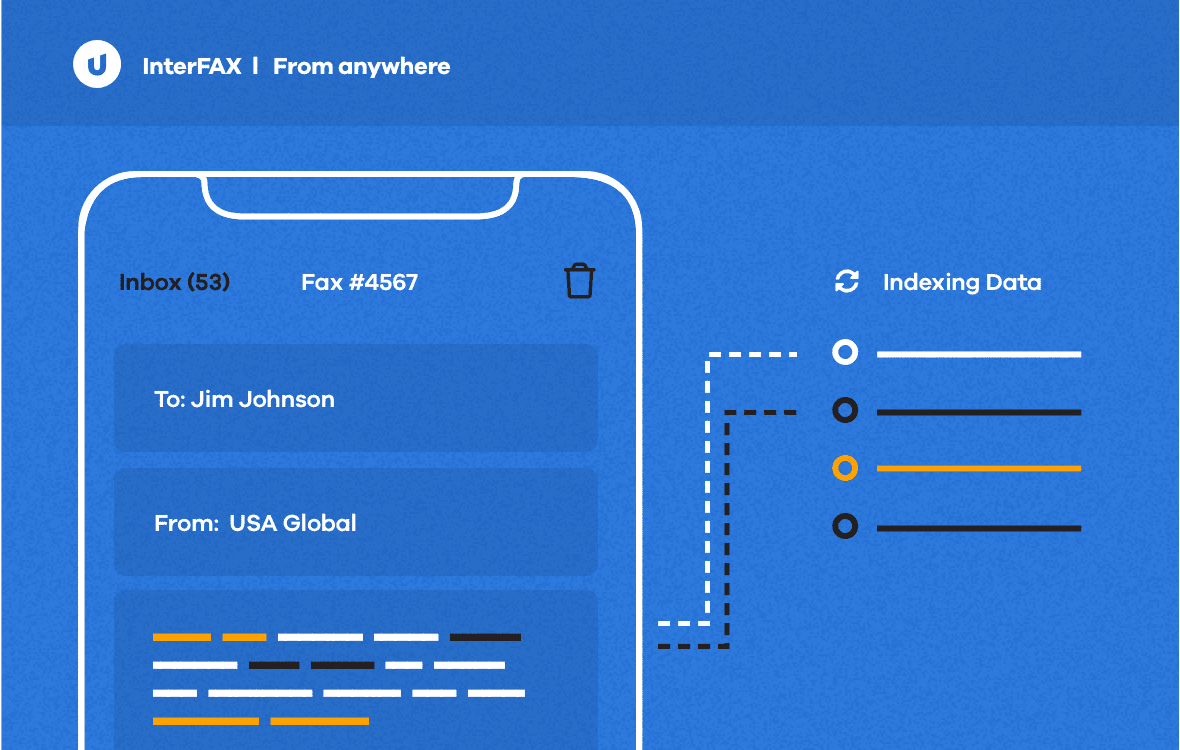
Use enterprise-grade fax from anywhere.
Send and receive faxes online through your email, the native web interface, mobile, and other scanning devices.
- OCR, convert, classify, and extract data from faxes and index them.
- Enable powerful workflow tools to automate fax routing, reception, and delivery.
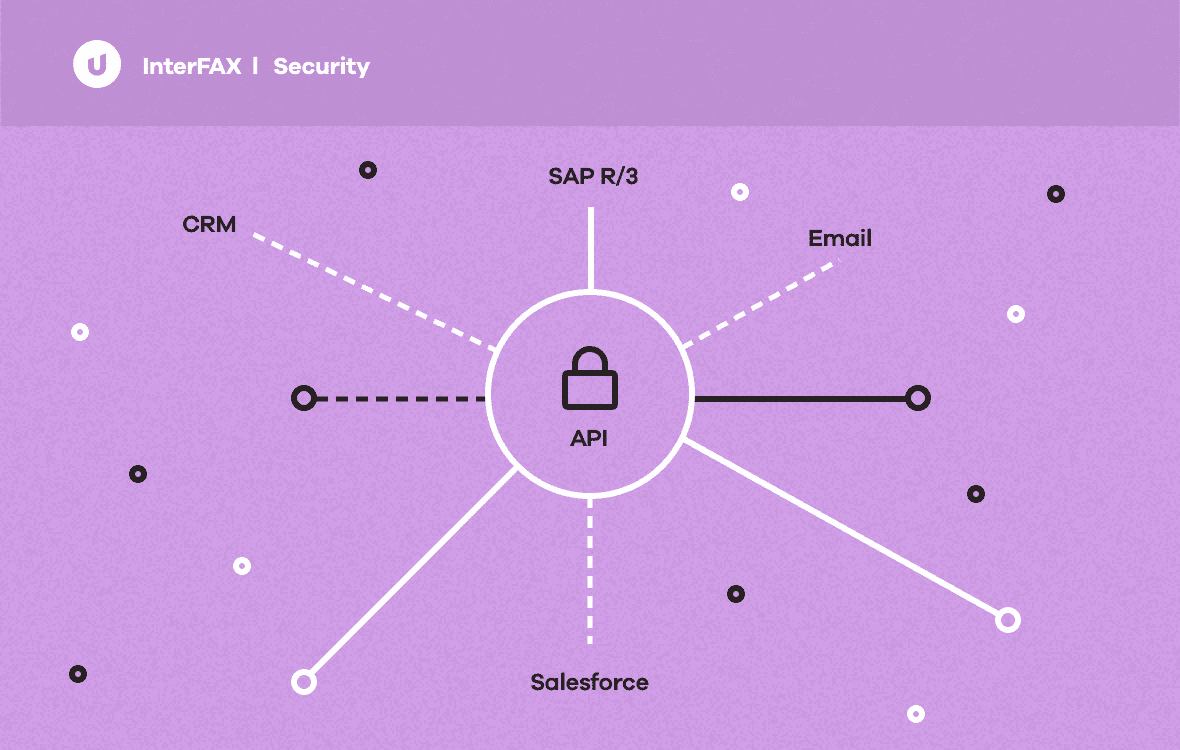
Easily integrate cloud-fax into any environment with extensive development resources.
Use our developer fax API to fully integrate secure, auditable cloud fax, with no up-front investment or ongoing maintenance.
- Integrates with leading CRM, ERP, and email platforms, including MS Outlook, Salesforce, SAP R/3, and more.
- Tailored to a variety of development environments using REST and SOAP communication protocols.

Meet rigorous industry compliance standards.
InterFAX is HIPAA and PHIPA compliant, ISO 27001 accredited, and the first and only cloud fax provider to be PCI DSS Level 1 certified.

Empower your remote workforce.
Allow remote employees to access sending, receiving, and settings through the web-based InterFAX Control Panel from any desktop or mobile device.
Reduce your IT burden and scale with confidence.
Our fully hosted solution offers guaranteed continuity and unlimited scalability—no hardware installation, software licensing, or additional phone lines required.




We have used InterFAX for our bulk fax needs for multiple years and have found it to be simpler and more efficient to work with than other fax service providers. We particularly enjoy the ability to communicate securely through InterFAX’s API/web service.
Online fax solutions built to industry standards
Our secure, auditable cloud fax meets complex document distribution needs and adheres to demanding compliance standards.
Healthcare
Access and submit sensitive patient information and records securely.
- HIPAA and PHIPA compliant
- Full audit trail of faxes sent and received through our servers
Education
Ensure the security of student data while increasing staff productivity.
- PCI DSS Level 1 Certified to secure student and staff records and communications
- Affordable and easy to use for busy educators
Nonprofit
Protect the personal information of donors and those you serve.
- HIPAA-compliant to protect the personal information of clients
- PCI DSS Level 1 certified for accepting credit card payment online
Manufacturing
Meet the demands of customers by streamlining processes and increasing security.
- PCI DSS Level 1 certified for securing sensitive customer data
- Maximize efficiency and minimize cost while adhering to compliance guidelines
Financial Services
Meet regulatory guidelines and ensure business continuity.
- PCI DSS Level 1 Certified for securing sensitive customer data
- Satisfies global data security standards like the Gramm-Leach-Bliley Act
Hospitality
Keep data secure and meet required compliance standards for online payments.
- PCI DSS Level 1 Certified for accepting credit card payments online
- Reliable, online repository for safely sharing booking information
PCI DSS Level 1 Certified
InterFAX is the only fax service to be PCI DSS Level 1 Certified, a set of requirements created collaboratively by global credit card companies to ensure all companies processing, storing, or transmitting credit card information maintain a secure environment.
Reliable products.
Real results.

InterFAX
TXMultilisting depends on InterFAX cloud fax to connect patients with life-saving care.
With 58 disjointed kidney transplant lists across the country, TXMultilisting has developed and coordinated a nationwide database of waiting lists with access to Upland InterFAX, so patients can safely fax medical records with an unlimited number of documents to apply to multiple lists at once.

InterFAX
OncoEMR® users receive faster, secure cloud fax services
We provide healthcare practices with an API integrated fax solution for both inbound and outbound delivery from the convenience of their OncoEMR platform.

InterFAX
Pair cloud fax with Vertafore AMS360
InterFAX offers AMS360 users a reliable cloud fax service to save time and ensure secure processes around the bulk distribution of documents.
Integrations to help you get more done
InterFAX works well with your existing systems, so you can streamline secure communications and just get down to business.
API
- REST
- SOAP
- SMTP
- SFTP
CRM
- Salesforce
- Dynamics
LOB Applications
- OncoEMR® by Flatiron Health
- Vertafore AMS360
- Epic
SDK
- Java Fax
- .NET Fax
- Python Fax
- PHP Fax
- Ruby Fax
- NodeJS Fax
- FAXCOMEXLib
- ASP Classic
- ASP Faxing Samples
- ASP.NET Fax
- C# Fax
- ColdFusion
- PERL Fax
- VB Fax Code
- VB.Net
Get in the flow.
Pair Upland InterFAX with other content lifecycle automation products for a secure, automated end-to-end solution.